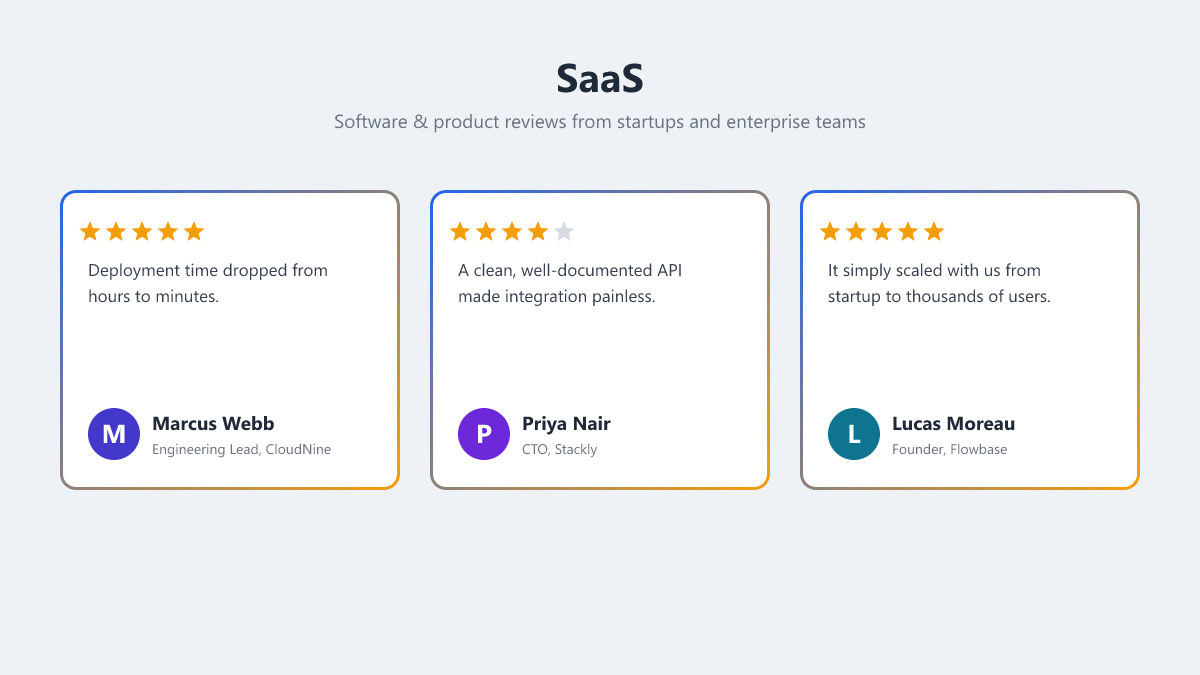
Preview shown with the style="gradient" card style — add it to your shortcode or block to match. The import gives you the content; the look is yours to pick.
How to import
- Install and activate Advanced Testimonial on your WordPress site.
- Go to Testimonials → Demo Library in wp-admin.
- Find SaaS and click Import Demo — the testimonials and images are added automatically.
Details
| Requires | Advanced Testimonial 2.0.2+ |
|---|---|
| Version | 1.0 |
| Updated | 2026-06-27 |
| Category | Software |
| Groups | Startups, Enterprise |
| Testimonials | 6 |
Testimonials in this demo
-
 ★★★★★
★★★★★Marcus Webb✓ Verified
Engineering Lead, CloudNine · Berlin, Germany
Deployment time dropped from hours to minutes. Onboarding our team took an afternoon, not a sprint.
-
 ★★★★☆
★★★★☆Priya Nair✓ Verified
CTO, Stackly · Bangalore, India
A clean, well-documented API made integration painless. A few advanced settings could be simpler, but support filled the gaps.
-
 ★★★★★
★★★★★Lucas Moreau✓ Verified
Founder, Flowbase · Lyon, France
We went from a scrappy startup to thousands of users without changing tools. It simply scaled with us.
-
 ★★★★★
★★★★★Hannah Berg
Product Manager, Nimbus · Oslo, Norway
So intuitive that the whole team adopted it in a week. No long training, no friction.
-
 ★★★★★
★★★★★Diego Ramos✓ Verified
DevOps Engineer, Hyperscale · Barcelona, Spain
Rock-solid uptime and clear monitoring. I finally sleep through the night when I'm on call.
-
 ★★★★★
★★★★★Yuki Sato
Head of Engineering, Brightloop · Osaka, Japan
The best support experience we've had with any vendor — fast, knowledgeable and genuinely invested.